Projects
Systems I designed and shipped to solve real school problems — and the student ventures I now guide from the Makerspace.
Where students build real ventures.
When I introduced the Makerspace at GMIS, the aim was never just equipment on a bench — it was a place where students could carry an idea all the way to something real. Alongside the lab, I work with two student groups, guiding each on what they need technically and on how to turn a good idea into a working business, always from a technology point of view.
Cortex
This team set out to build a learning tool that students would genuinely want to open. My job is to keep the vision theirs and the engineering solid — helping them shape the idea into a clear feature set, pick a stack they can understand, and put a real app and website in front of real users.
How I guide them
- Turning the idea into a clear, buildable scope
- Choosing a lean tech stack and low-cost hosting
- Building the app and website, with an admin who can manage the whole system
- Testing with real students and iterating on their feedback
EcoWeave Innovations
A student startup that upcycles worn-out clothing — denim in particular — into souvenirs worth keeping. Here the technical need is really a business one: how do you present, promote and run a young company? I guide them across the web, marketing and operations tooling so they can run it themselves.
How I guide them
- A website that tells the brand story and showcases the products
- Digital marketing guidance — social presence, content and reaching customers
- An admin dashboard (CRM) to manage enquiries, content, images, clients and vendors
- Practical business-development thinking, always through a technology lens
From idea to launch, together.
The same simple path for both teams — students own the decisions, I make sure the technology never becomes the obstacle.
Listen
Start with the students' idea and the problem they want to solve.
Scope
Cut it down to something small enough to ship and big enough to matter.
Choose tools
Pick simple, affordable technology the team can understand and maintain.
Build together
Students make the decisions; I take on the heavy technical lifting and teach as I go.
Launch & learn
Go live, gather feedback and improve — the real lesson in running a venture.
Systems that schools own.
In-house platforms built to solve real operational problems across the campuses.
In-House School ERP
Independently conceived and built a full ERP replacing costly third-party platforms — Admissions, Student Information System, Library, Attendance, Purchase and Infirmary Management. Integrated with the campus flap-barrier system and deployed across multiple branches.
Online Examination System
Built an in-house remote assessment platform enabling schools to conduct digital exams securely — reducing paper dependency and enabling rapid result processing.
Digital Certificate & Report Card Platform
Replaced physical printing with a digital certificate and report-card system — including BSEISI results — cutting print costs and enabling instant distribution to parents.
Management E-Voting & Polling System
A secure digital voting platform for school management decisions — replacing paper ballots with auditable, transparent digital polling.
Report-Card Web App — Mahatma Gandhi School
Delivered a dedicated report-card web application for a sister campus (Tabing), extending the in-house platform's reach beyond the main foundation.
Makerspace Lab at GMIS
Conceived and currently building the school's Makerspace — designed around how teachers integrate technology into the curriculum, not just hardware provisioning. Certified Makerspace Facilitator and IB MYP Design Category 1.
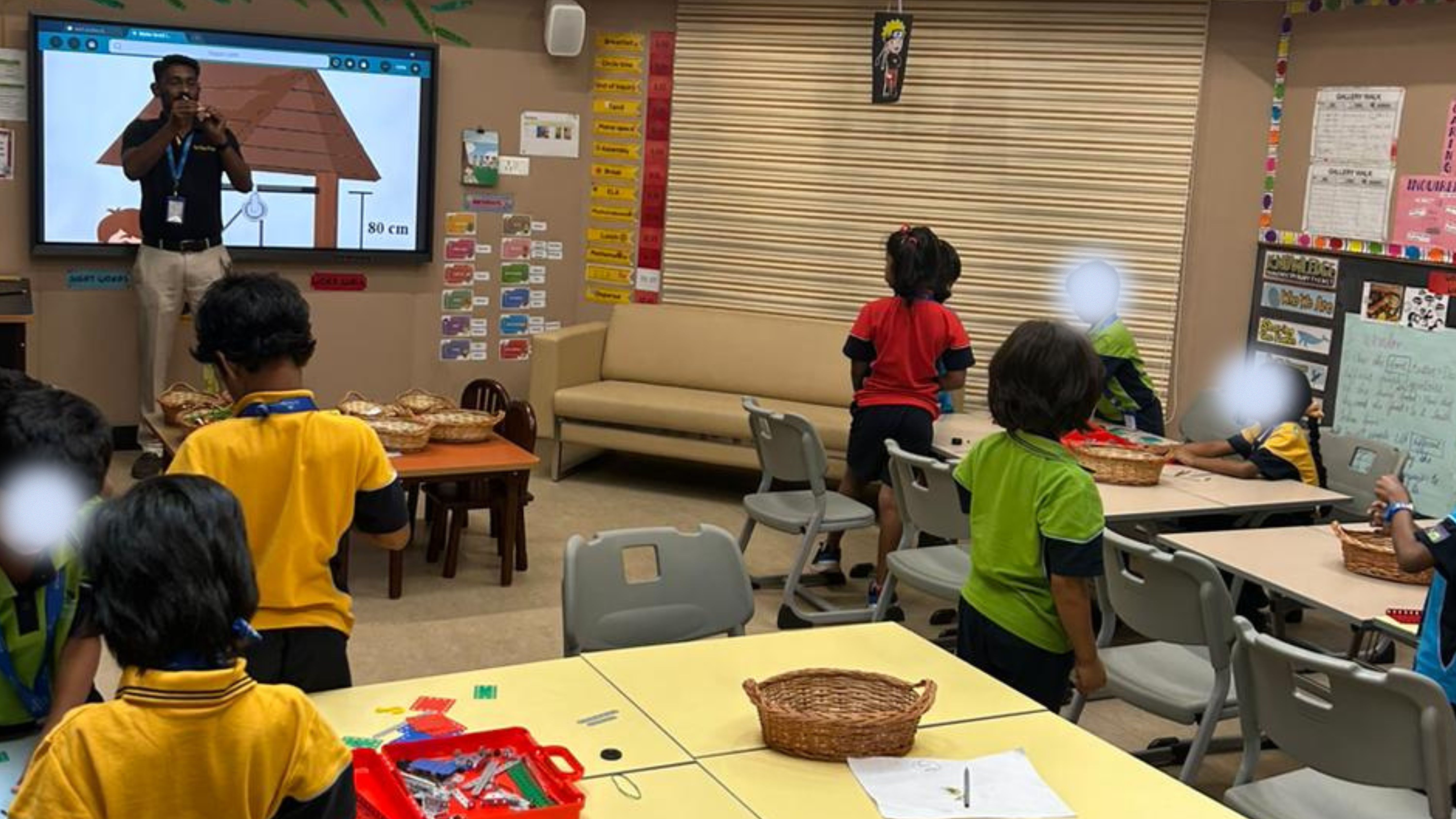
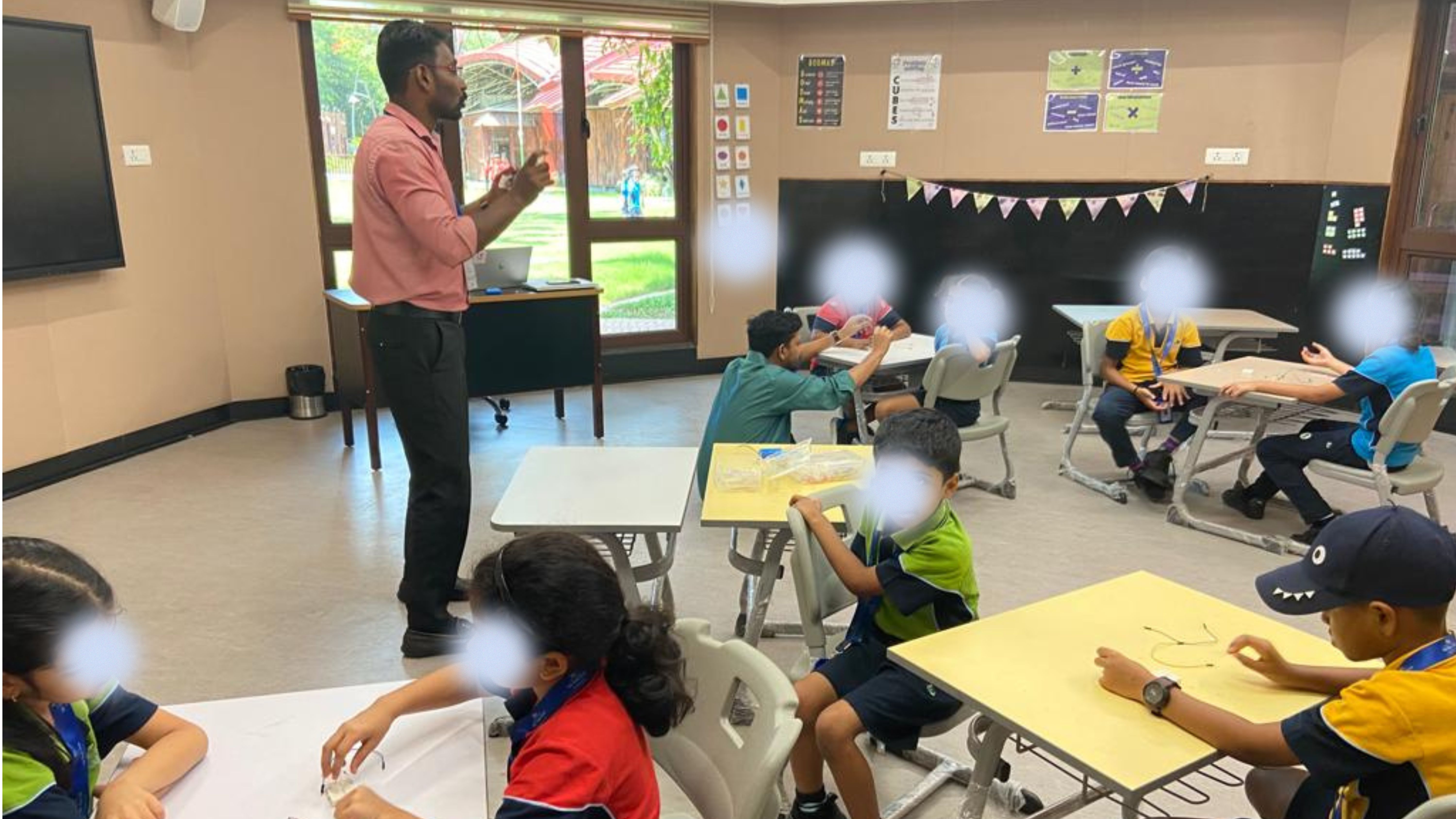
Students at work.
A look inside the Makerspace — students prototyping, testing and troubleshooting their own ideas.
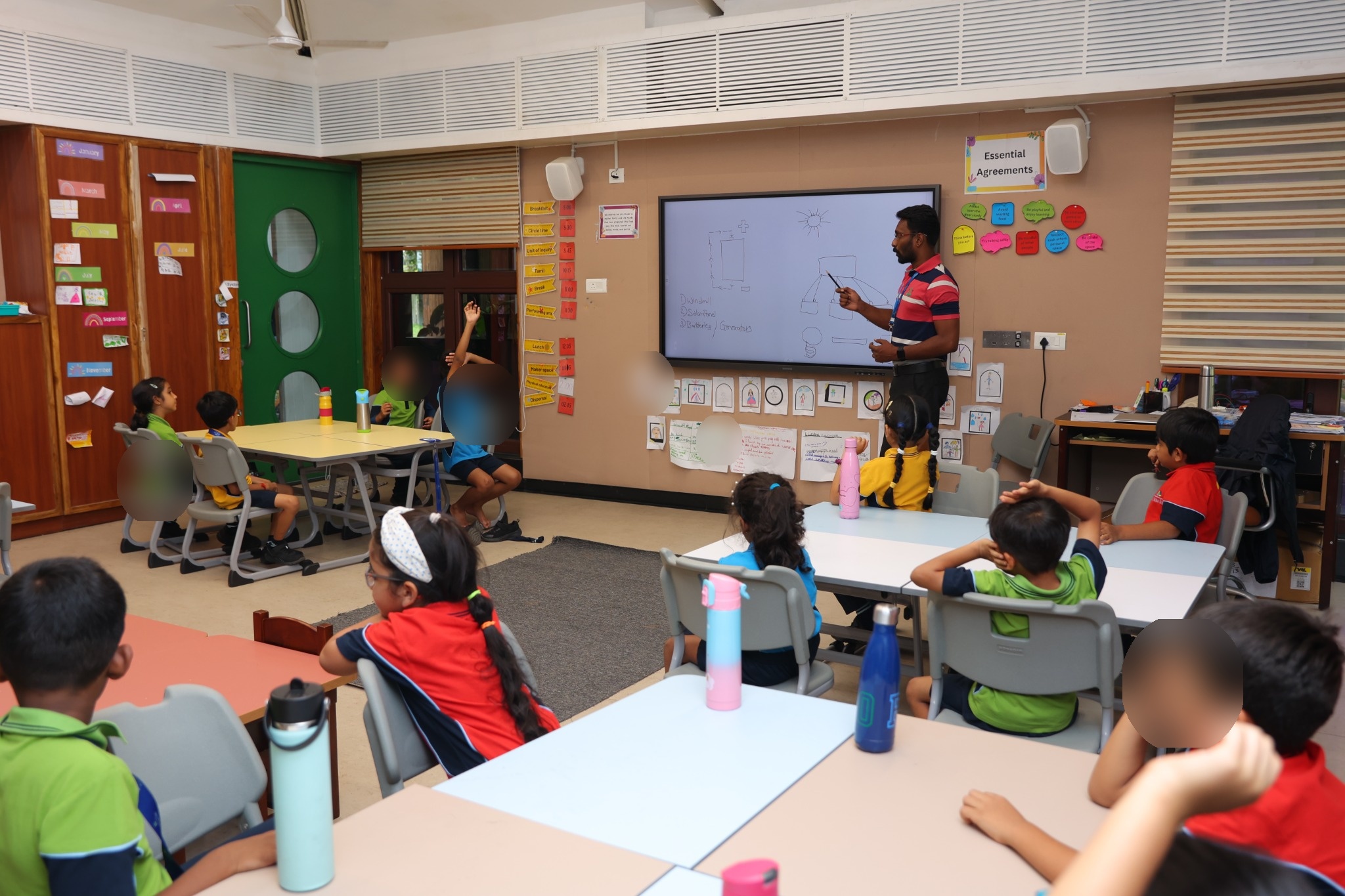
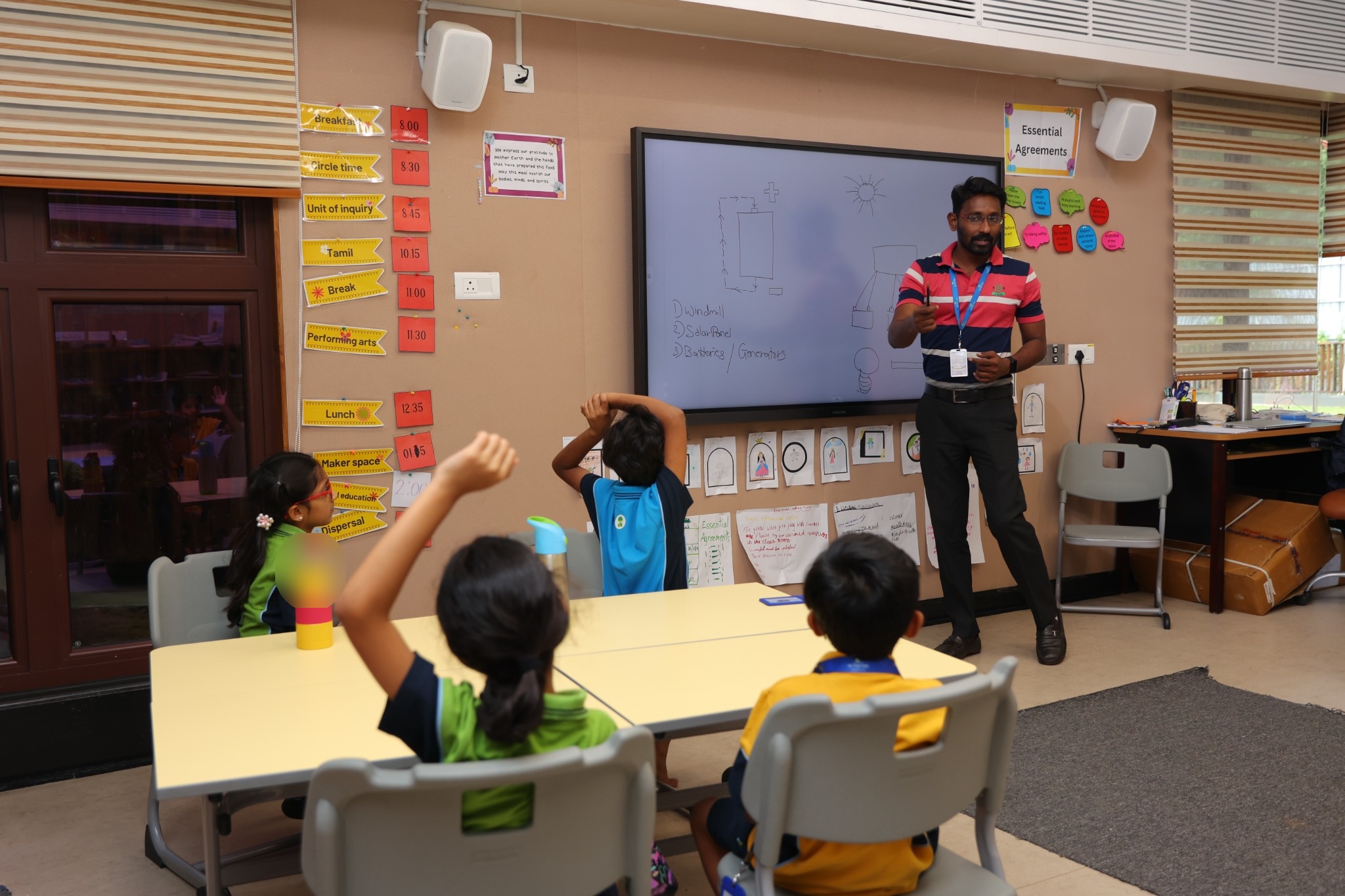
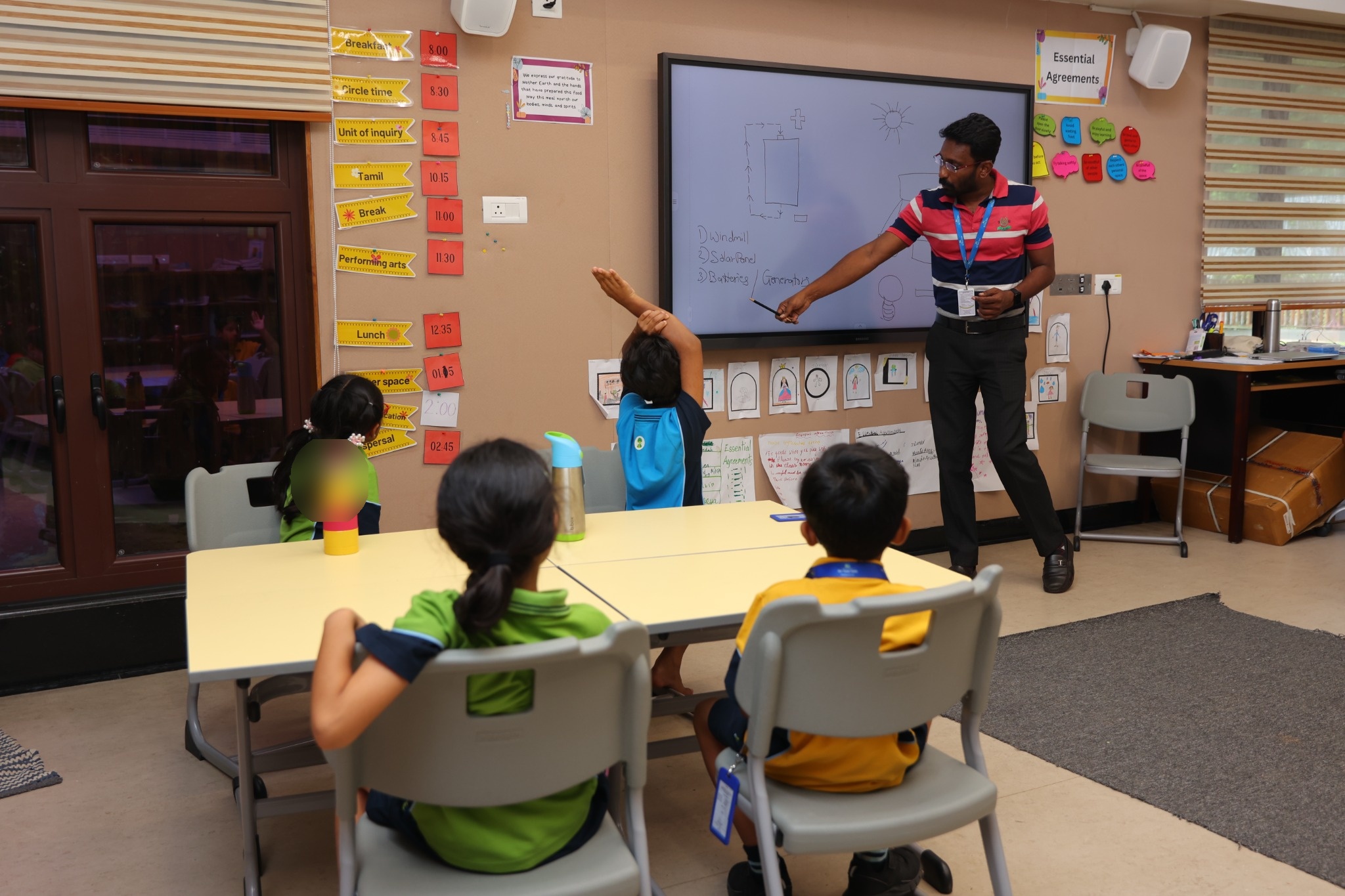
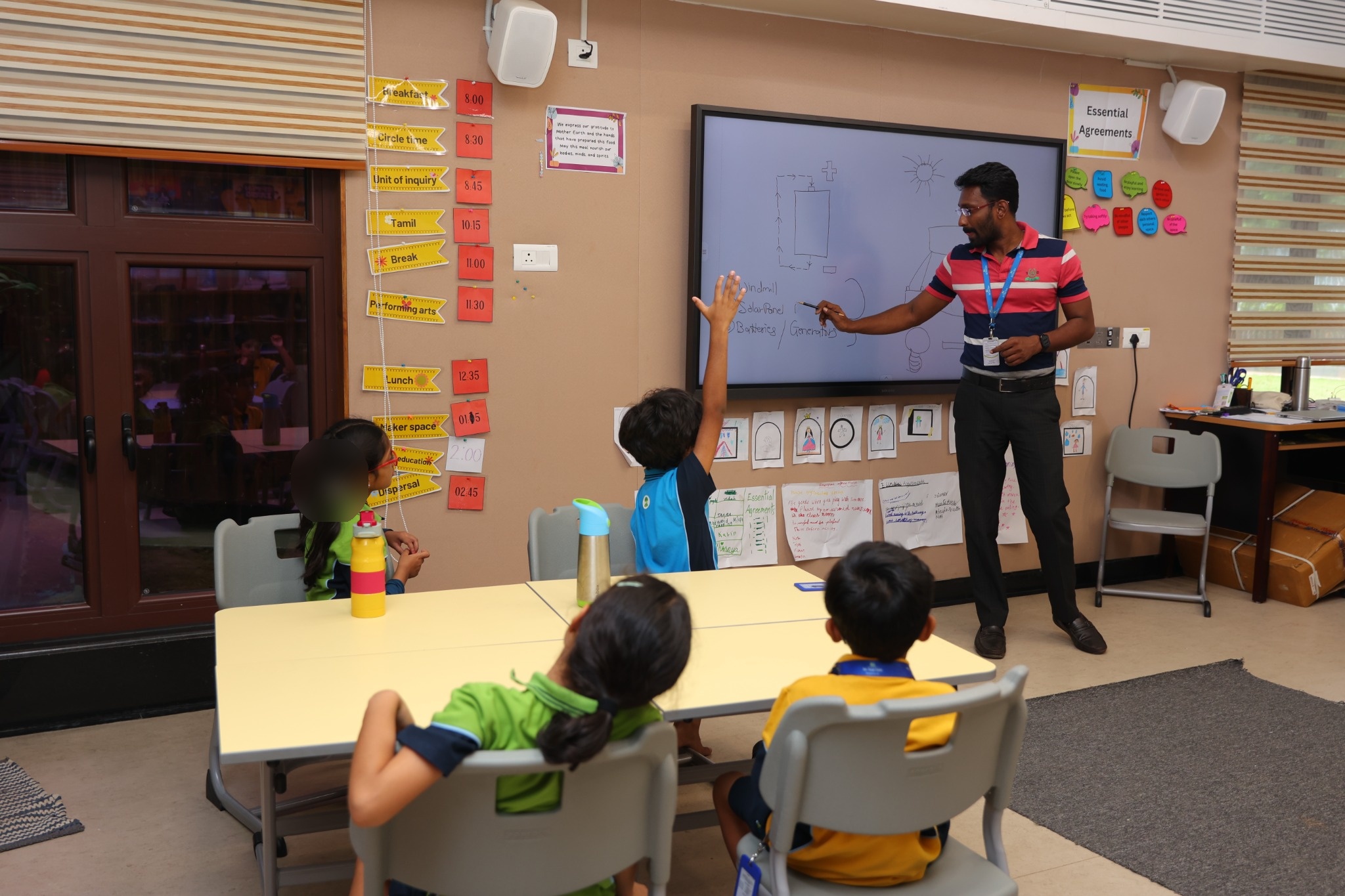
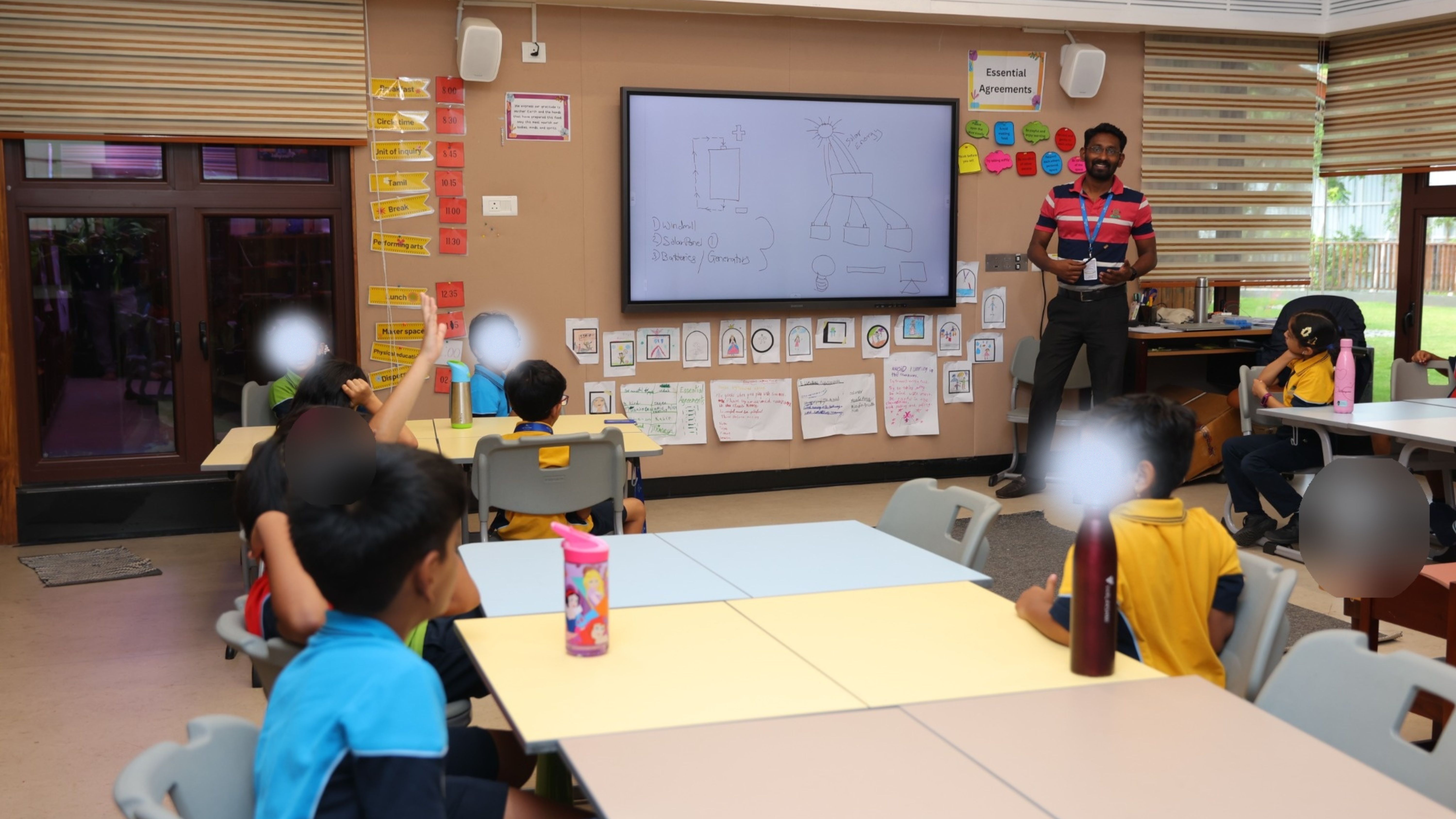
assets/gallery/makerspace2-1.jpg, makerspace2-2.jpg, makerspace2-3.jpg …
assets/gallery/makerspace3-1.jpg, makerspace3-2.jpg, makerspace3-3.jpg …
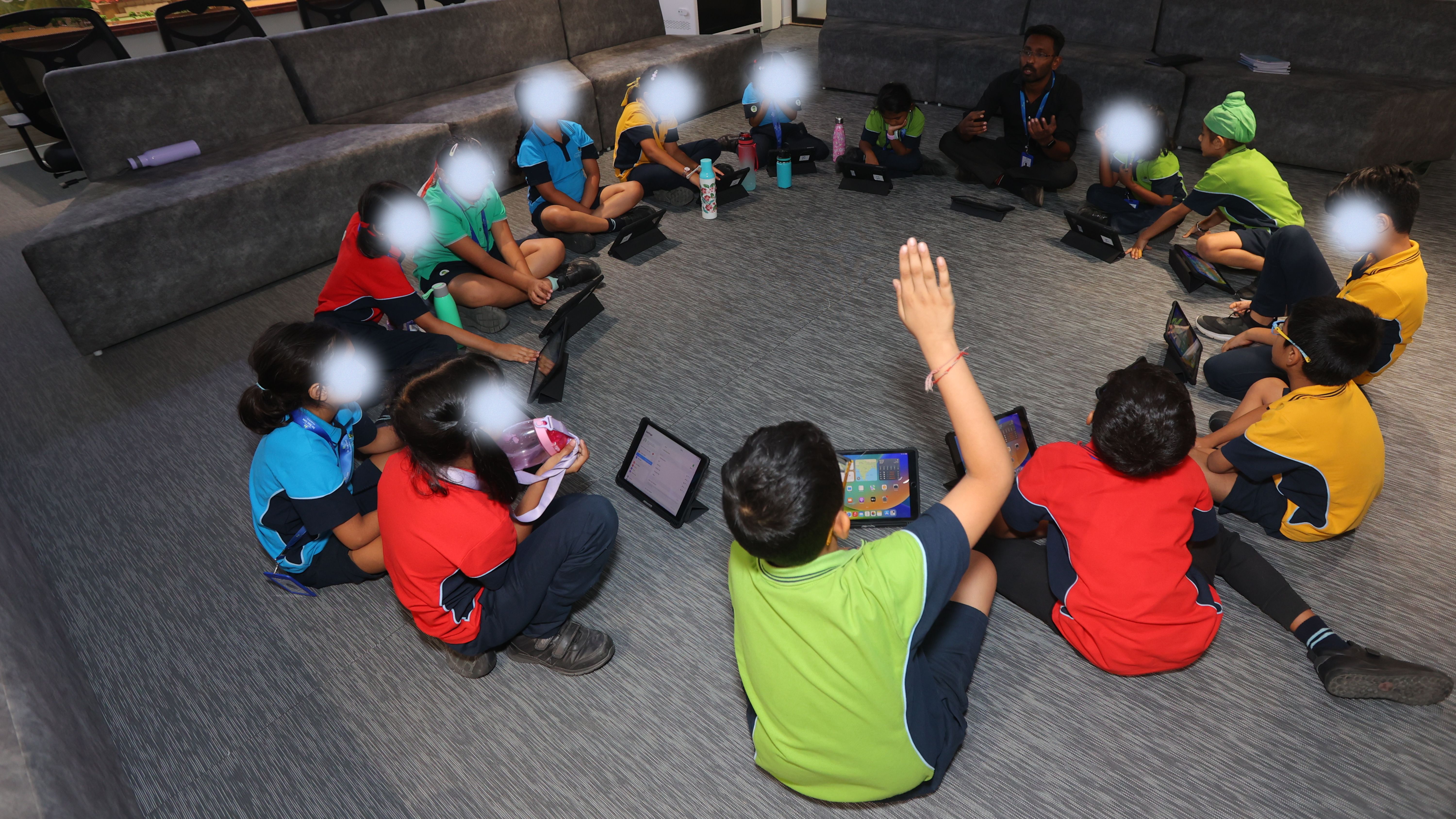
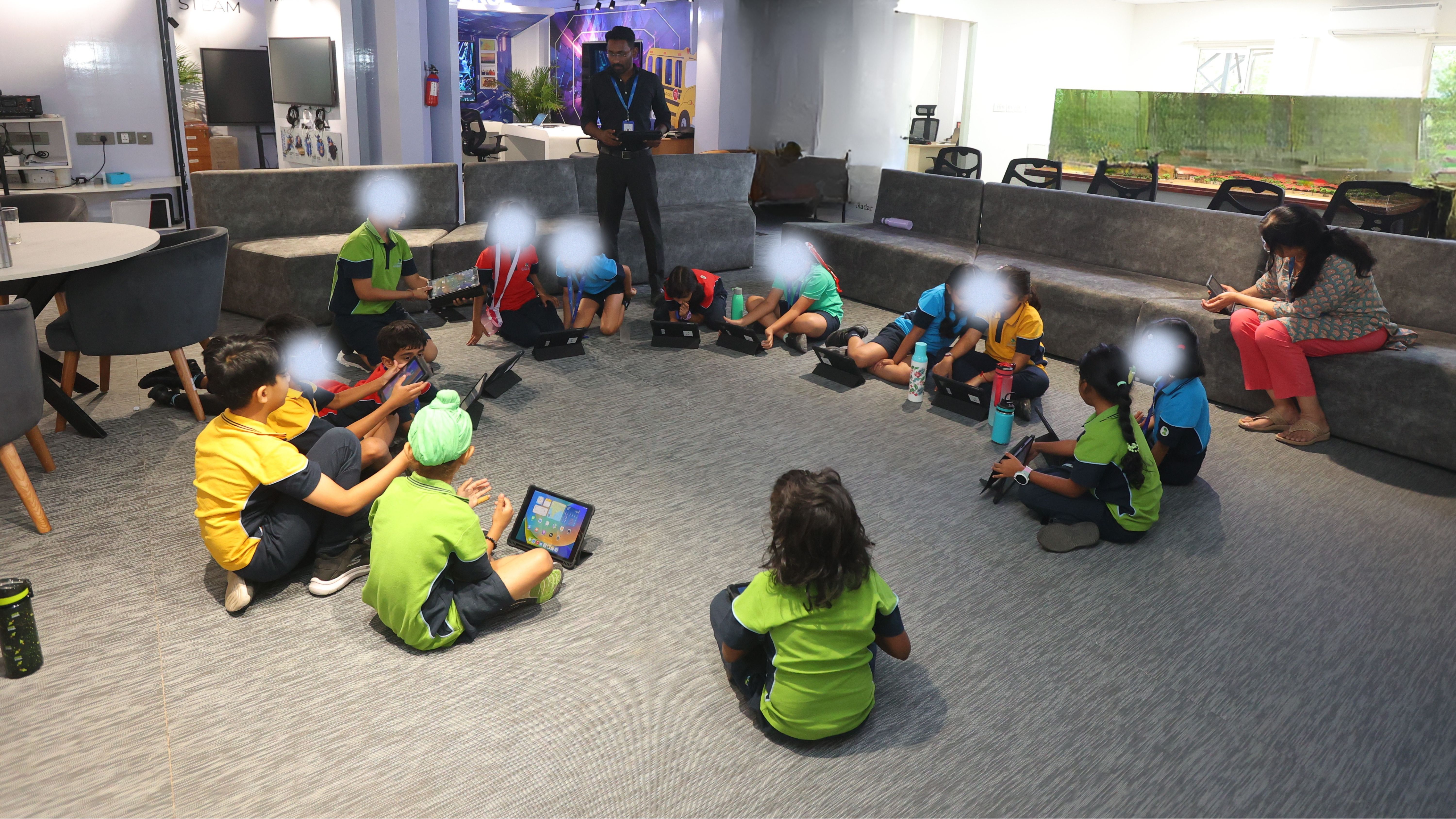
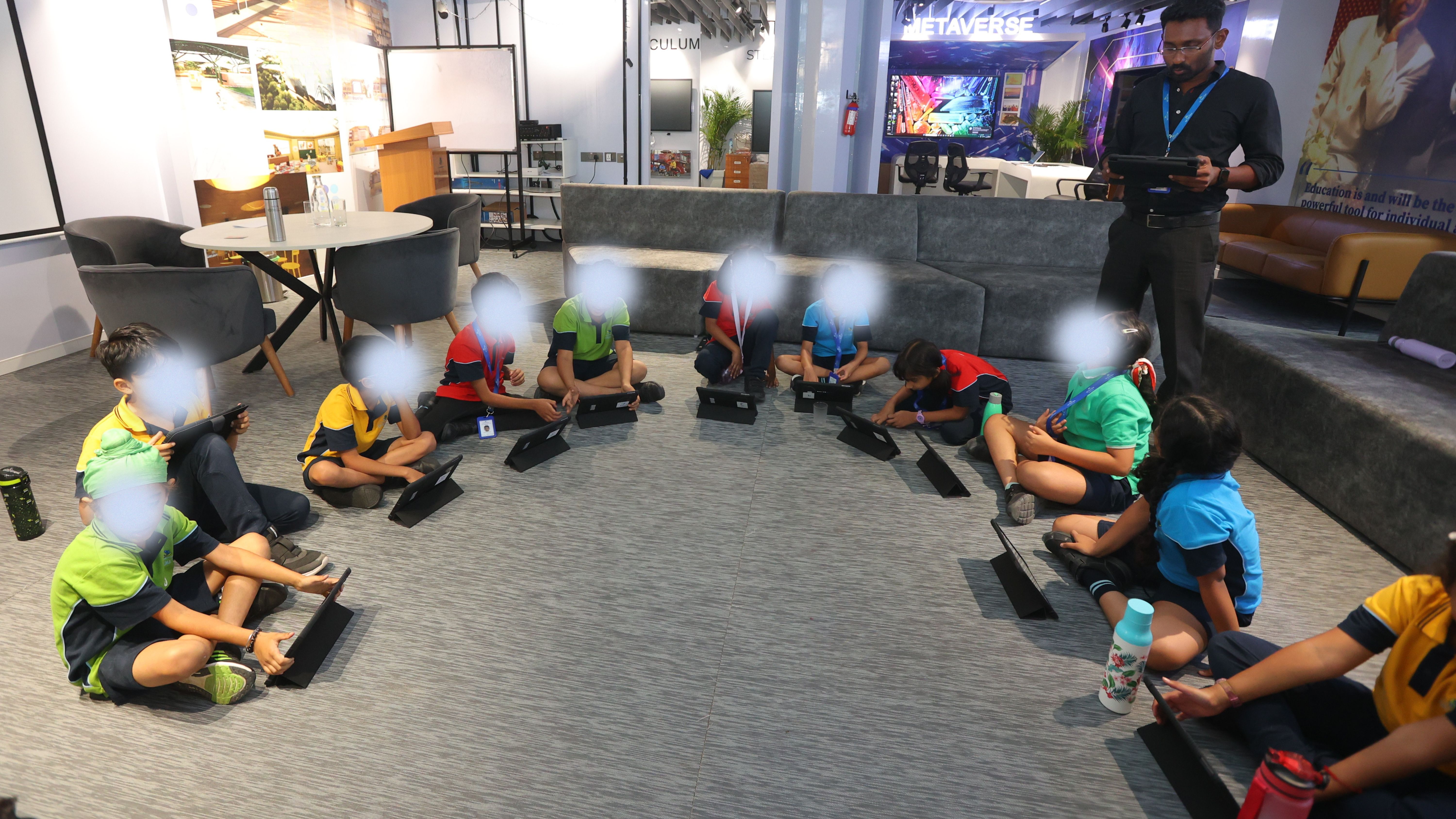
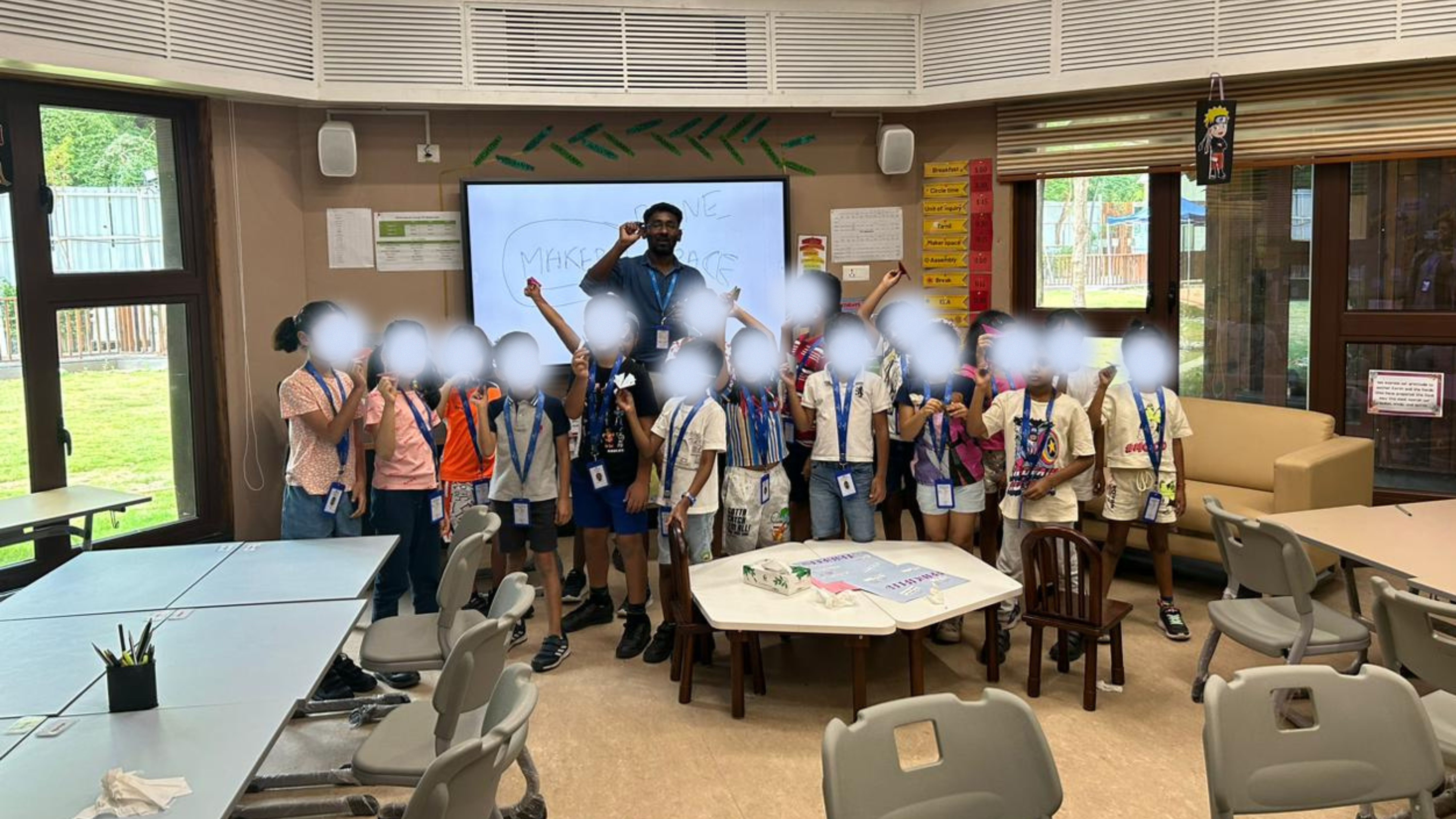
assets/gallery/makerspace6-1.jpg, makerspace6-2.jpg, makerspace6-3.jpg …
assets/gallery/makerspace7-1.jpg, makerspace7-2.jpg, makerspace7-3.jpg …
assets/gallery/makerspace8-1.jpg, makerspace8-2.jpg, makerspace8-3.jpg …
assets/gallery/makerspace9-1.jpg, makerspace9-2.jpg, makerspace9-3.jpg …
Helping teachers make technology theirs.
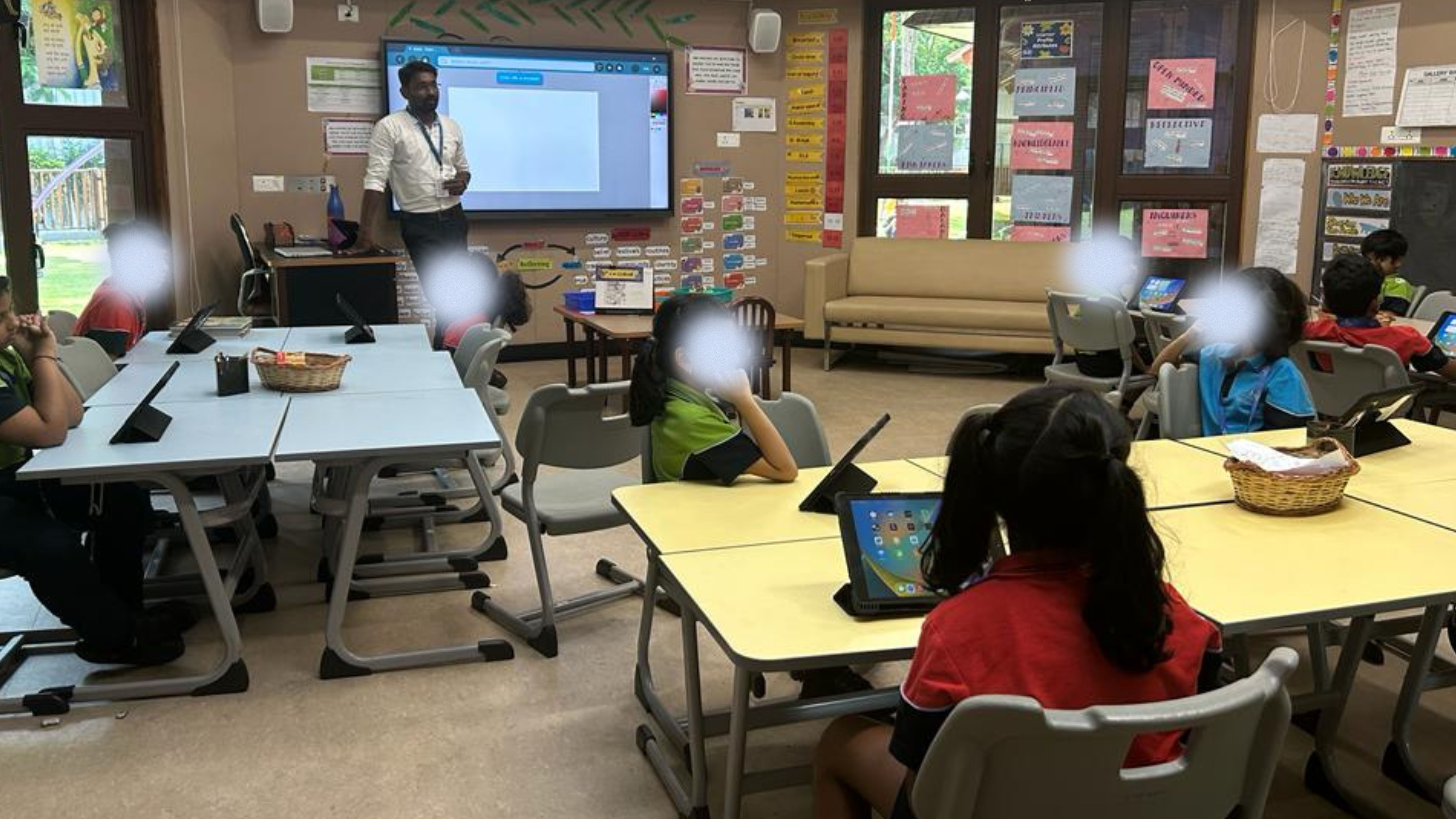
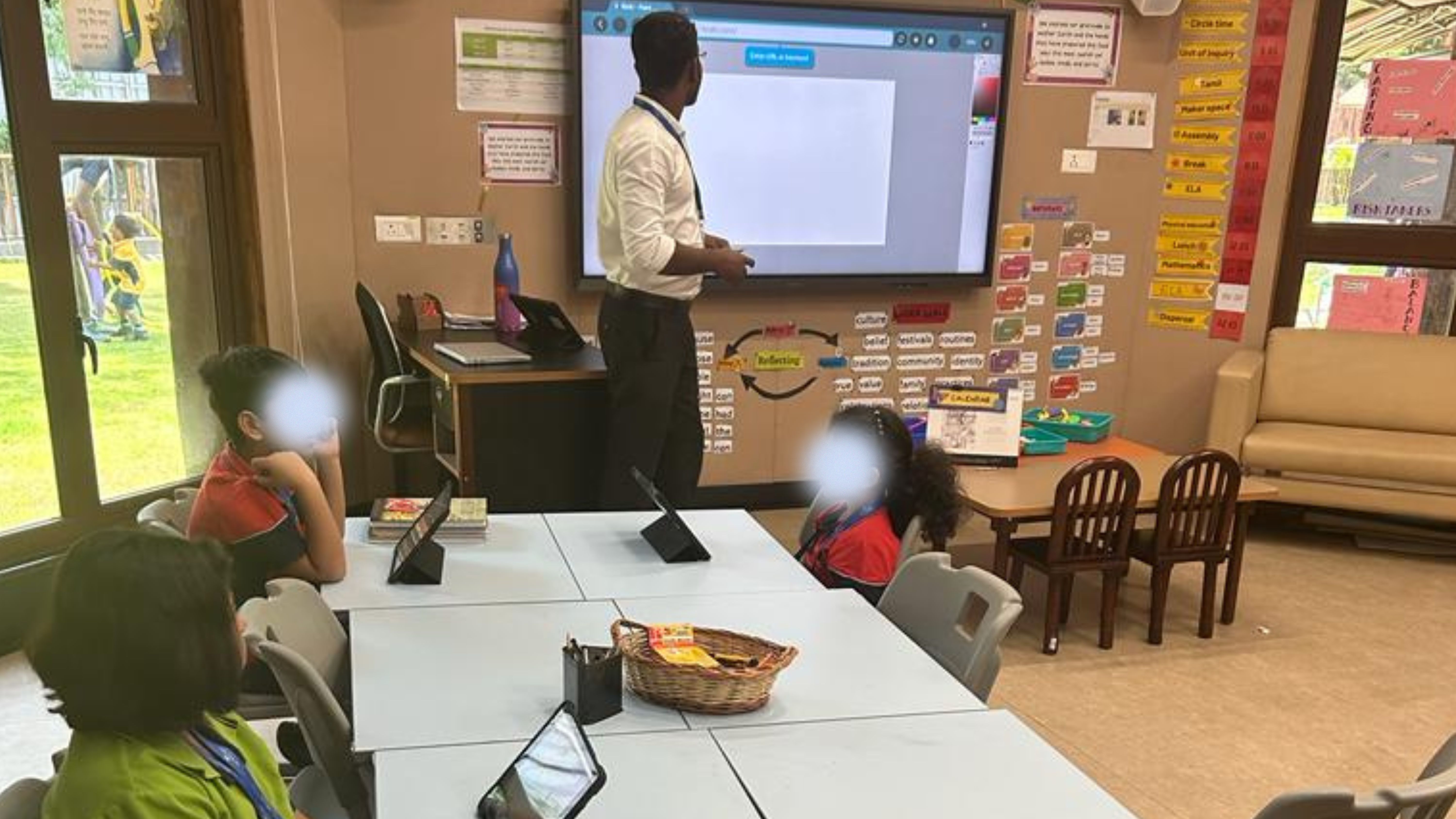
Technology only changes learning when teachers feel confident using it. A look at how I run training sessions.
Teacher training, in practice
Hands-on and classroom-first — built around real lessons, not feature tours. Teachers leave with something they can use the next morning.
- Google Workspace & Classroom in daily instruction
- Planning and reporting with ManageBac and Toddle
- AI tools in the classroom, with ethical use built in
- Bringing Makerspace projects into the curriculum
assets/teacher-training-3.mp4
Have a school technology challenge?
From in-house systems to student-led ventures, I like building things that people actually use.